What Are Templates?
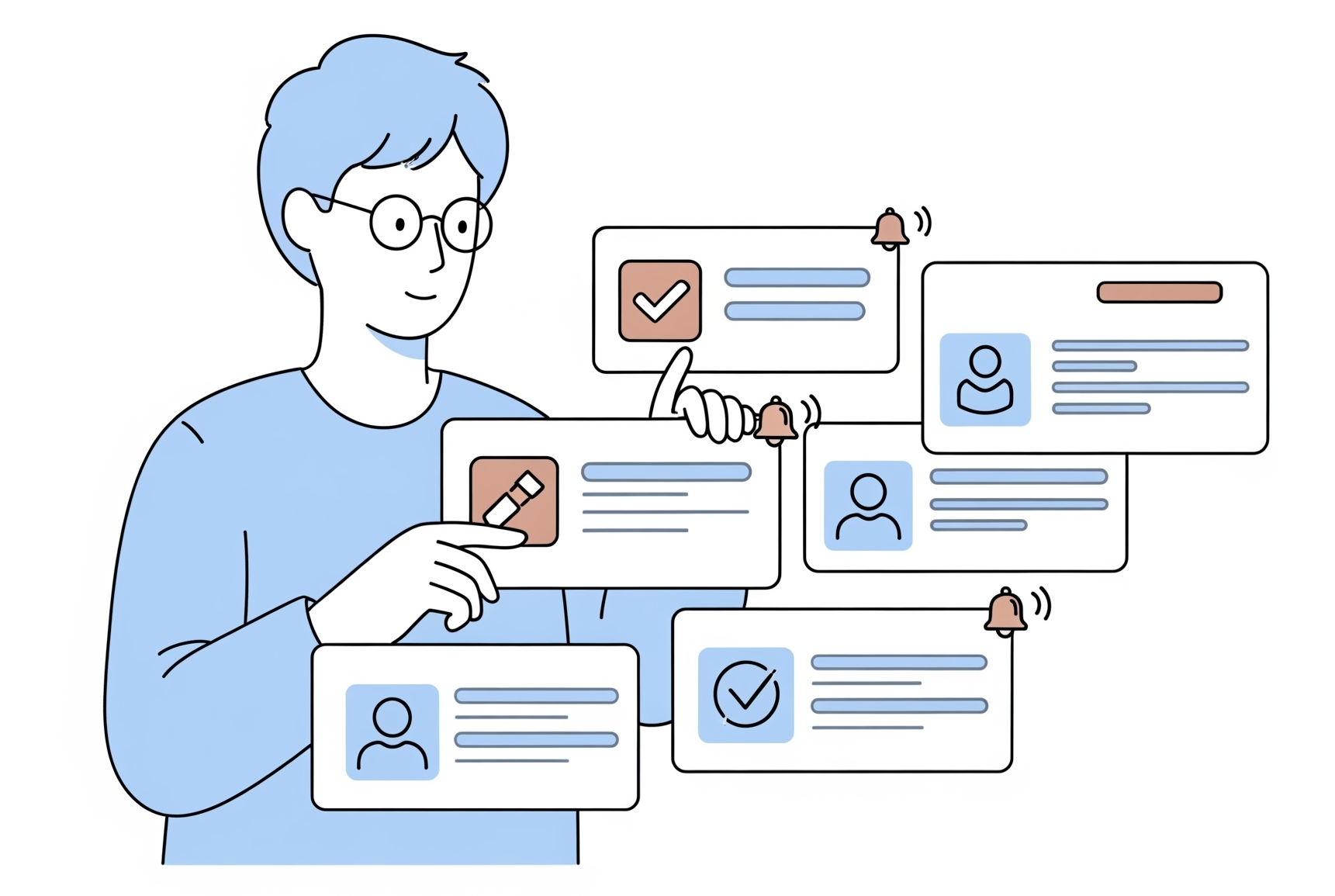
Templates are reusable blueprints that define the structure, fields, and rules for Cards, Users, and Customers. Instead of starting from scratch every time, templates let your team create consistent, well-structured records in seconds - ensuring everyone follows the same process.
Key Features
Templates give your team a head start on every new record, keeping everyone aligned while still allowing flexibility for individual workflows.
Three Template Types
Create Card Templates, User Templates, and Customer Templates - each tailored to its purpose. Whether you're tracking work, onboarding team members, or managing client relationships, there's a template type that fits.
Custom Fields
Define exactly which fields each template includes - Text, rich multi-line text, Number, Date, and Integration fields. Capture the right information for every process without clutter or guesswork.
Template Categories
Organize templates into categories so your team can find the right one quickly. Group templates by project type, department, or workflow stage to keep things tidy and discoverable.
Smart Reminders
Build reminder rules directly into templates so every record created from them inherits the right follow-up schedule. Automate notifications for deadlines, check-ins, and recurring reviews without setting them up manually each time.
Guest Access
Templates can define guest-access rules so external collaborators get the right level of participation. Clients and partners can submit or contribute to records through a guided, controlled experience.
Suggested Templates
Not sure where to start? 314 Solutions suggests relevant templates based on your team's activity and workflow patterns, helping new users get productive faster and guiding experienced users to templates they might have overlooked.
How to Use Templates
Getting started with templates takes just a few minutes. Follow these five steps to turn your existing processes into reusable, consistent workflows.
Choose a Template Type
Decide whether you need a Card Template, User Template, or Customer Template based on the kind of record you want to standardize.
Add Custom Fields
Define the fields your template should include - text, numbers, dates, or integration fields - so every record captures the right information from the start.
Set Reminder Rules
Configure automatic reminders so follow-ups happen on schedule without anyone having to remember to set them manually.
Organize into Categories
Assign your template to a category so team members can browse and find it easily when they need to create a new record.
Create from the Template
Use the template to create a new Card, User, or Customer in seconds. The record comes pre-filled with your defined structure, fields, and reminder rules.
Ready to Get Started?
Register for a free account and start building your first template today.