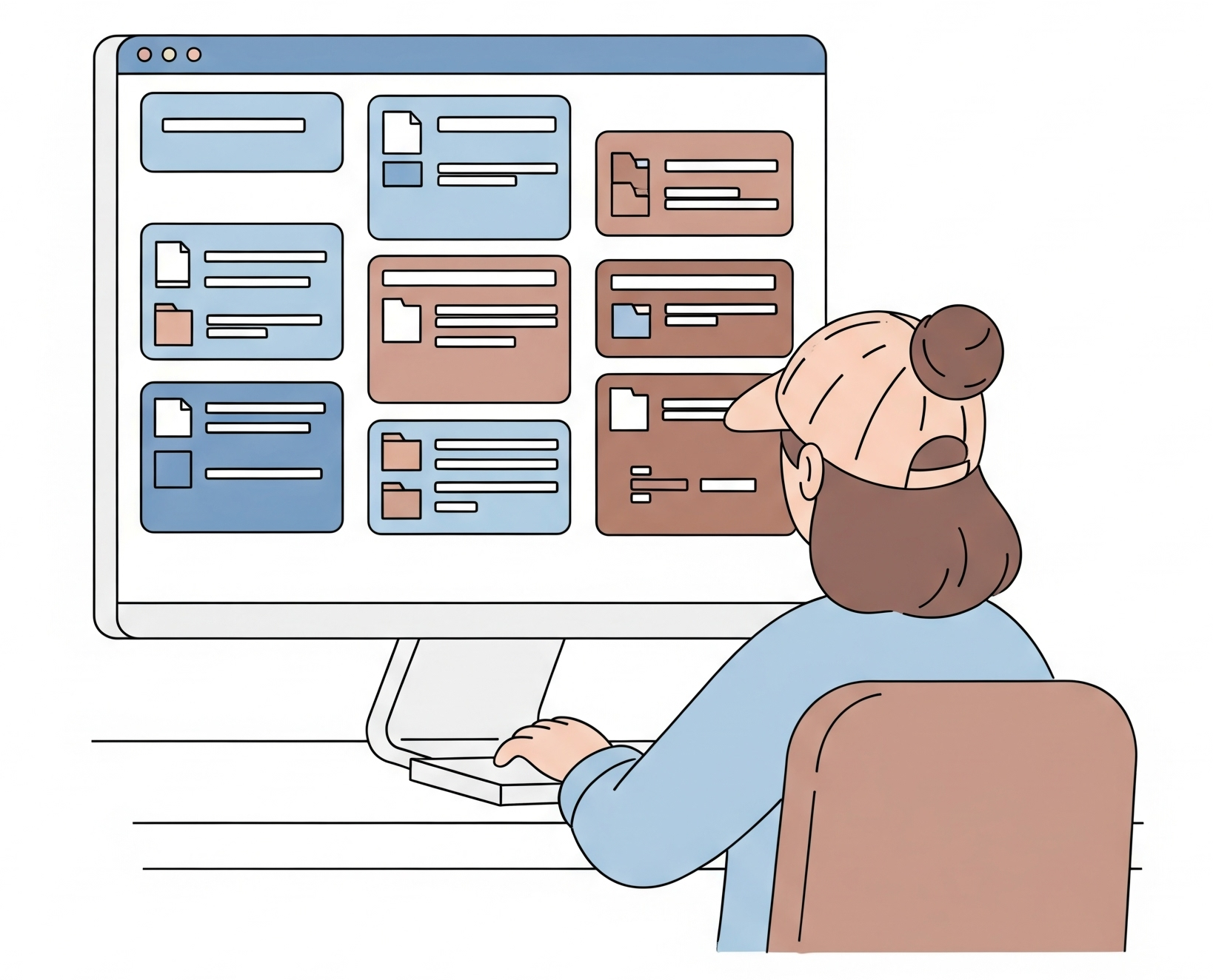
What Is the File System?
The File System is 314 Solutions' built-in document management - a place to organize, share, and track every file your team works with. Create folders, upload files, share documents directly withcards, and keep everything connected to the work it belongs to.
Key Features
The File System gives you full control over your documents - from organization and sharing to previews and storage tracking - all without leaving the platform.
Folder Organization
Create folders and sub-folders to keep your files organized. Move files and folders between locations with ease.
File Upload & Management
Upload files of any type, update them, and manage versions. Full control over your documents in one place.
Share Files with Cards
Share files directly with cards so the right documents are always attached to the right work. Control permissions per file.
Recycle Bin
Files you delete go to the recycle bin first. Restore them if you change your mind, or permanently delete when you're sure.
File Preview & Thumbnails
Preview files with generated thumbnails. Download files when you need the original - all without leaving the platform.
Storage Management
Track company and user storage usage. Know your file sizes and maximum upload limits at a glance.
How to Use the File System
Getting started with the File System takes just a few minutes. Follow these five steps to organize, share, and manage your documents with confidence.
Create Folders to Organize
Set up folders and sub-folders that mirror how your team works - by project, client, or document type - so files are always easy to find.
Upload Files
Upload documents of any type, update them when things change, and manage versions so everyone's working with the latest copy.
Share Files with Cards
Attach files directly to the cards they relate to so the right documents are always connected to the right work.
Manage Permissions
Control who can view or edit each file. Keep sensitive documents secure while giving collaborators the access they need.
Use the Recycle Bin
Deleted files go to the recycle bin first. Restore them if you change your mind, or permanently remove them when you're ready.
Ready to Get Started?
Register for a free account and start organizing your files today.